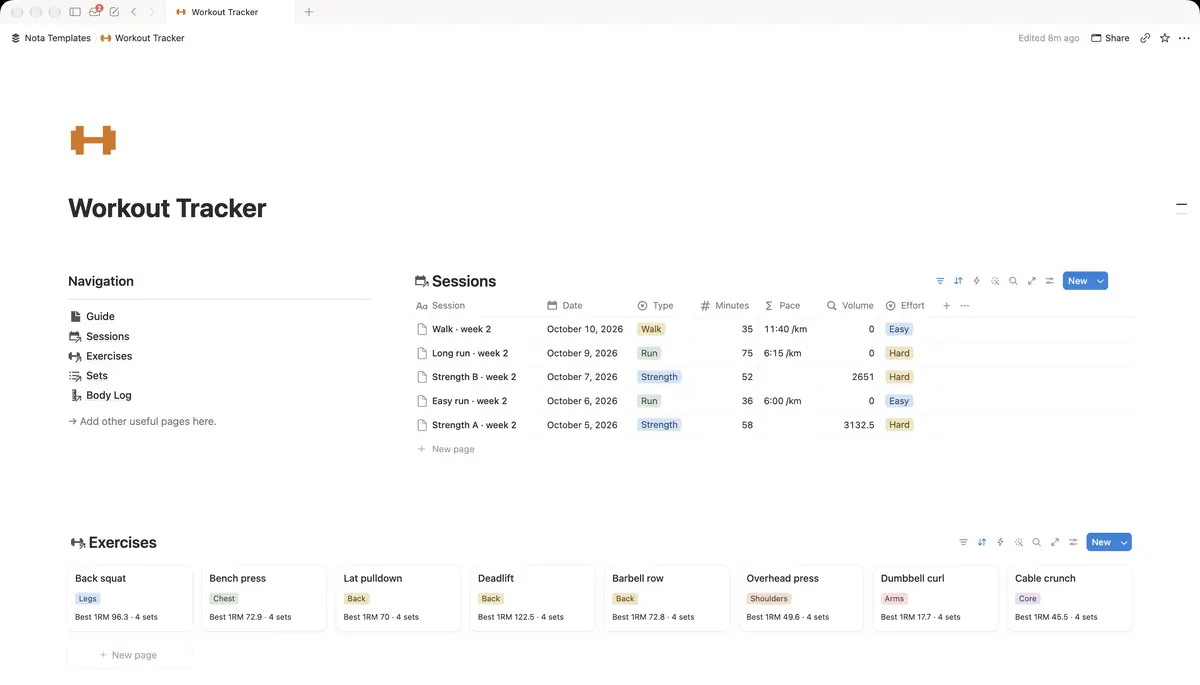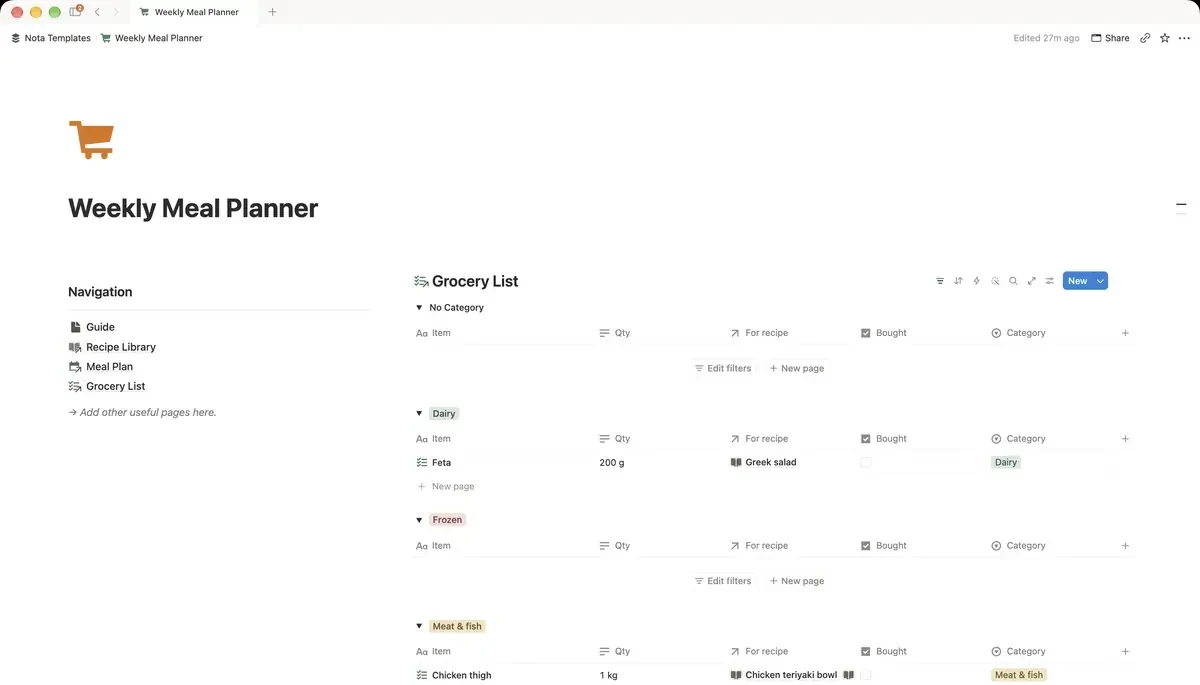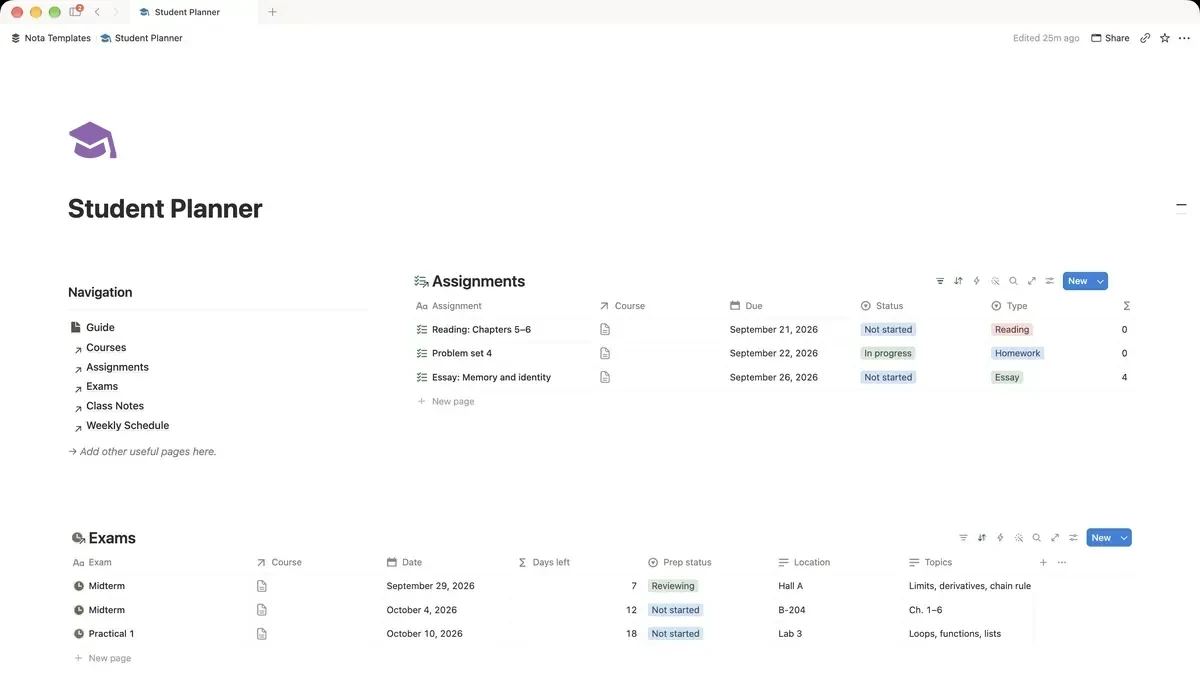
About this template
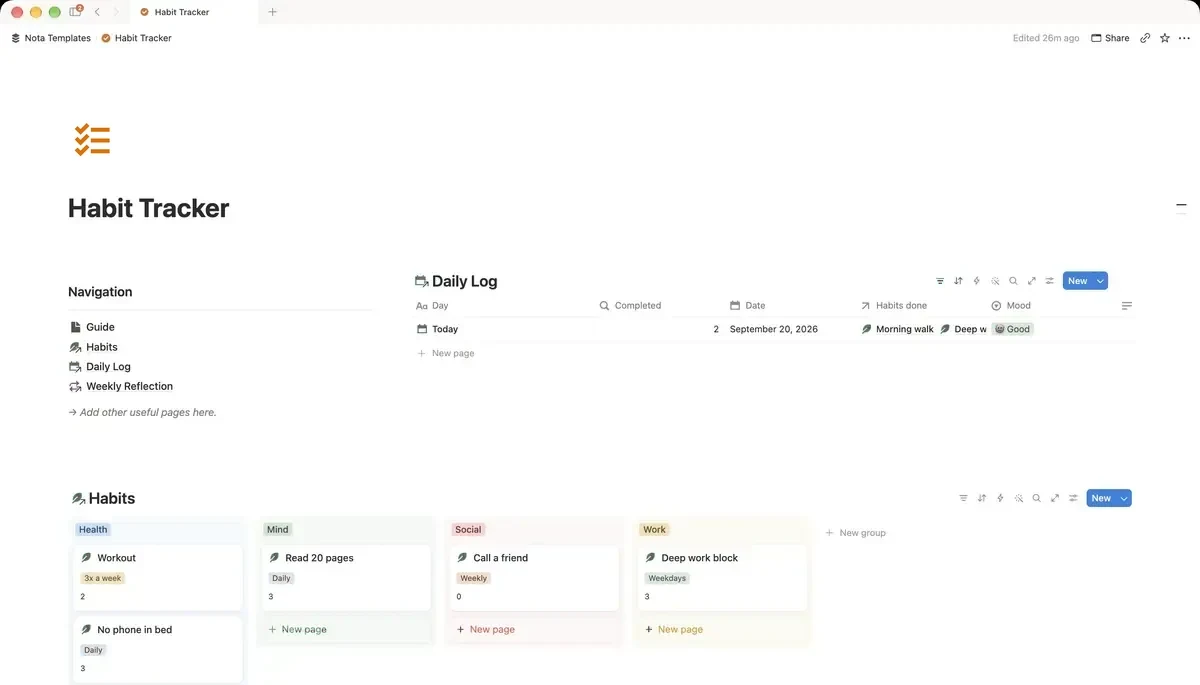
A minimal habit tracker: tick your habits in the daily log, see an all-time count for each one, and close the week with a short reflection. No clutter, just consistency.
What's inside
- Daily log with a habit checklist
- All-time count per habit
- Calendar view of your log
- Mood and sleep logged daily
- Weekly reflection
How it works
- 1Complete checkout and open the link in your email.
- 2Click “Duplicate” in the top-right corner of the Notion page.
- 3The template is now in your workspace. Make it yours.
Who it's for
For people who have abandoned three habit apps already. There are no badges, no streak counters and nothing that makes you feel worse for missing a Tuesday. You tick a box, note how you slept and how you felt, and once a week you write two lines about how it went. That is the whole system.
Your first week
- 1Pick three habits. Not ten. The single most common reason habit systems collapse is starting with too many.
- 2Tick them in the daily log each evening, and log your mood and sleep while you are there.
- 3Look at the calendar view after a few days. Seeing the gaps is more useful than being told about them.
- 4On Sunday, write the weekly reflection. Two sentences is enough.
What it doesn't do
There is no streak counter and no reminder. Notion cannot send you a push notification for a habit, and a streak that breaks is the reason most people quit. The all-time count per habit shows progress without punishing a missed day.
Questions
How many habits should I track?+
Three to five. The template holds as many as you like, but every additional habit lowers the odds you keep any of them.
Does it remind me?+
No. Notion has no habit reminders, so this relies on you opening it — most people attach it to something they already do, like closing the laptop for the day.
Why track mood and sleep too?+
Because the reason a habit slipped is usually visible next to it. Three bad nights and a missed week are rarely unrelated.